Practical guide · 2026
How to make an AI explainer video in 2026
A good explainer makes one difficult idea feel obvious. This guide covers the formats, tools, script, storyboard, production workflow, and quality checks that get you there.
Updated July 11, 2026 · 12 minute read · Topin Editorial Team
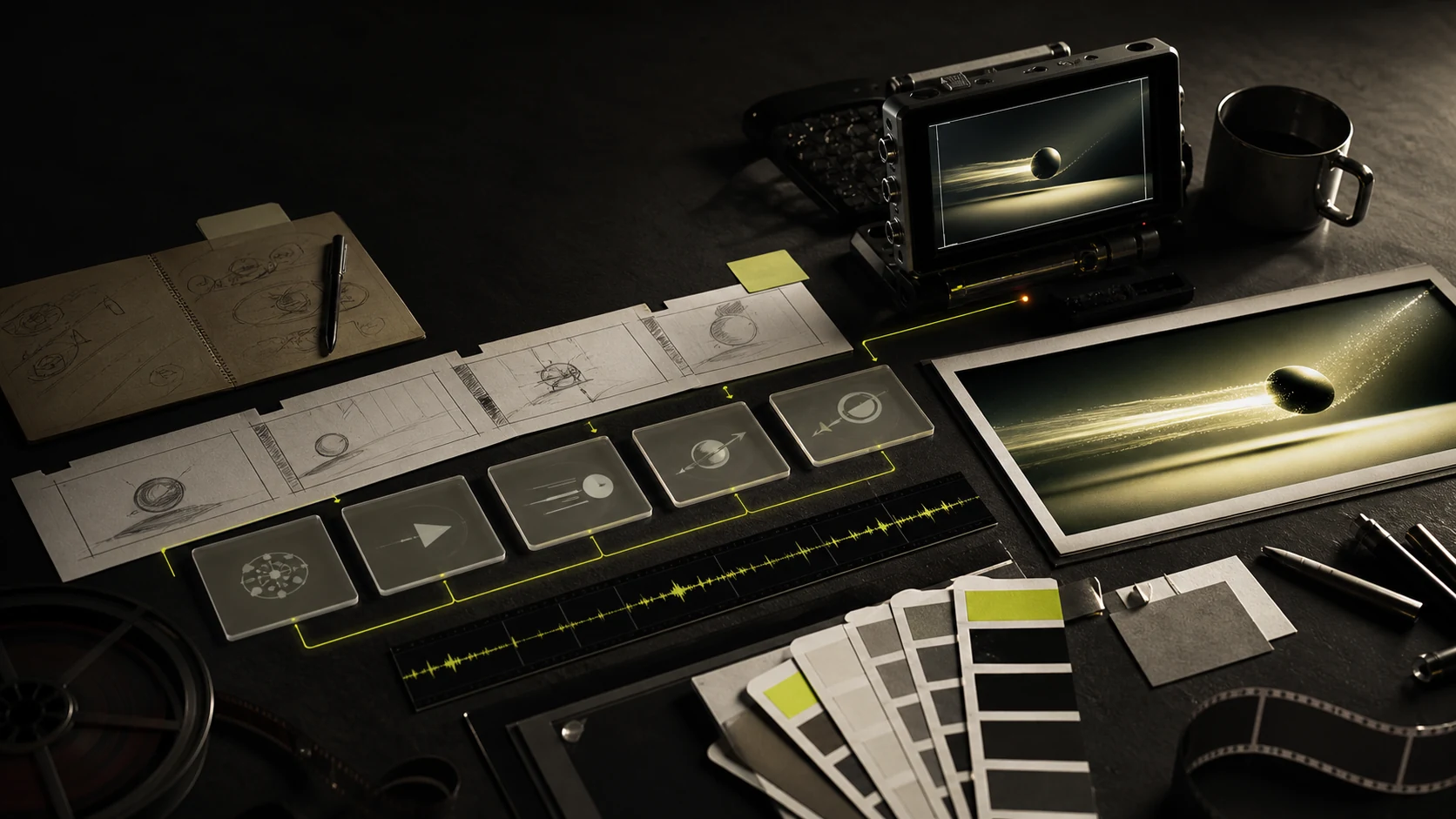
An AI explainer video is a short video that clarifies a product, process, or idea using AI in one or more production stages: scripting, storyboarding, voice, presenters, visual generation, captions, or editing. The technology speeds up production; the explanation still depends on a clear audience, message, and visual plan.
The short version
- Start with one audience and one takeaway, not a list of features.
- Choose the format before choosing the tool: presenter, screen recording, animation, cinematic, or hybrid.
- Approve the script and storyboard before spending time on generation.
- Use real product evidence and consistent visual references wherever trust matters.
- Plan the master and channel variants together so vertical video is composed, not cropped.
Market signal
What changed in 2026?
AI is no longer a novelty inside the video workflow. The useful question is not whether AI was used, but whether the finished explanation is accurate, coherent, and worth watching.
68%
of video marketers created explainer videos
63%
used AI to create or edit marketing video
96%
watched an explainer to learn about a product
89%
say video quality affects trust in a brand
Source: Wyzowl's 2026 survey of 266 marketers and consumers.
01
Complete workflows are replacing isolated generators
Teams still use specialist tools, but the center of gravity is moving from “make a clip” to “turn this source material into a structured video.” Script, voice, shots, captions, and versions increasingly need to stay editable together.
02
Formats are becoming hybrid
A presenter can cut to a real product screen. A screen recording can use generated b-roll. An animated explainer can include a realistic voice or actor. The best format follows the explanation instead of a tool category.
03
Sound is becoming part of generation
New video systems increasingly create or coordinate speech, ambient sound, and effects with the image. That reduces assembly work, but it raises the standard for pronunciation, music balance, and audio continuity.
Source: YouTube on Veo 3 with sound
04
Transparency now affects distribution
Platforms are making labels for realistic AI-generated content more visible and adding detection signals. Teams need a disclosure policy, rights-cleared assets, and a review step for synthetic presenters and realistic scenes.
Choose the format
Which type of explainer should you make?
Format is a creative decision, not a feature. Pick the approach that makes the subject easiest to understand and easiest to trust.
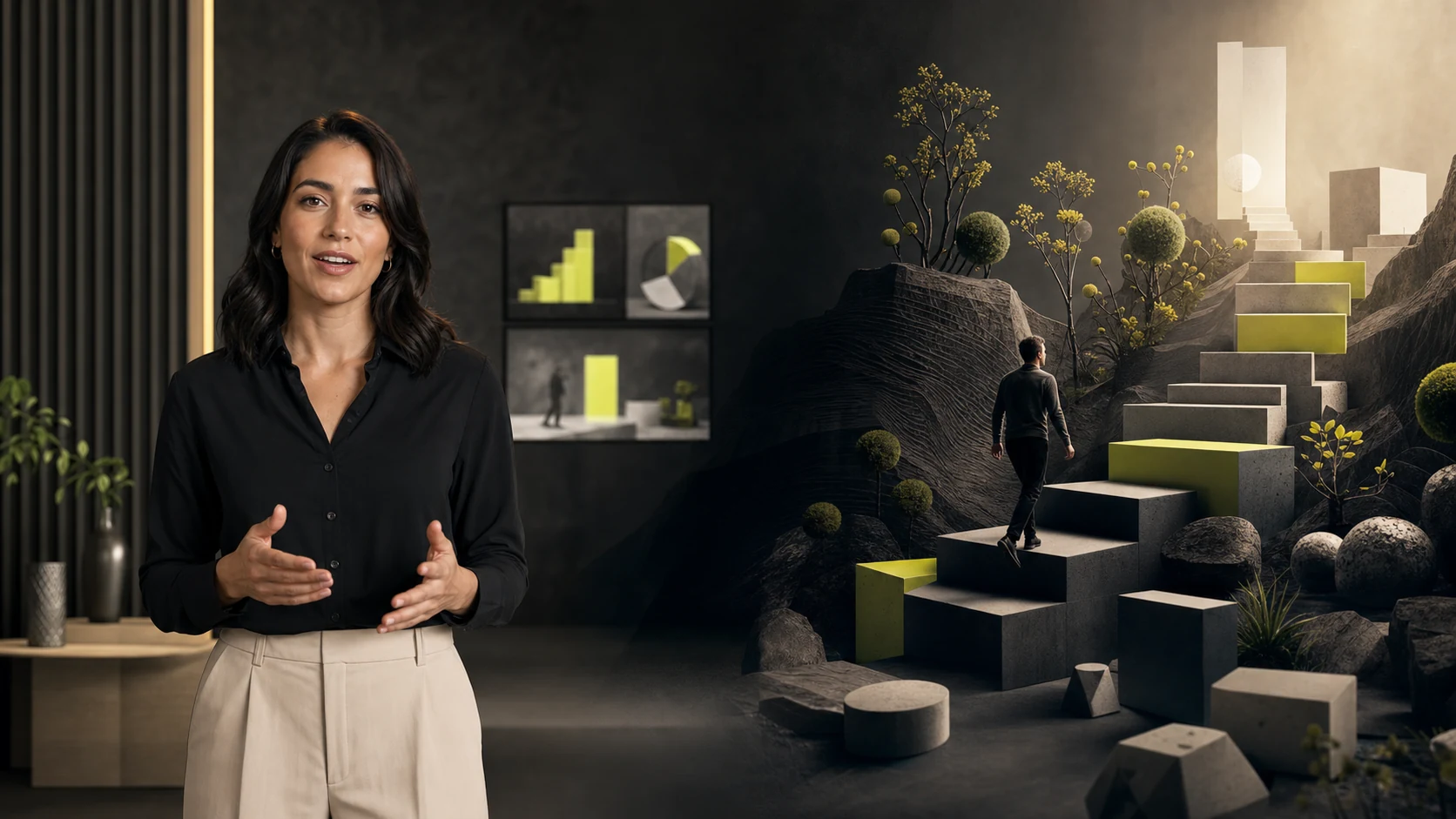
Presenter-led
A direct voice builds trust and carries the explanation.
Cinematic
Directed scenes turn the idea into a visual story.
Presenter or AI avatar
Use it for
Training, localization, founder-led content, policy updates, and direct explanation.
Think twice when
When the subject depends on showing a physical process or abstract visual model.
Screen-recorded walkthrough
Use it for
Software tutorials, product onboarding, feature releases, and precise UI workflows.
Think twice when
When the viewer first needs to understand why the product or category matters.
Animated or motion-graphic explainer
Use it for
Systems, data, processes, abstract concepts, and reusable educational content.
Think twice when
When human credibility or real product proof is the main persuasive element.
Generative cinematic or hybrid
Use it for
Brand-led explainers, visual metaphors, product stories, and mixed presenter/product narratives.
Think twice when
When exact visual accuracy matters more than art direction or emotional impact.
Tool landscape
Choose tools by the work left to do.
Tool lists age quickly. Categories are more durable. Start with the input you already have and the kind of output you need to control.
| Category | Examples | Best when | What remains |
|---|---|---|---|
| Avatar platforms | HeyGen, Synthesia | A presenter and localization carry the message | Visual storytelling, product proof, and final pacing |
| Screen tools | Screen Studio, Loom, Tight Studio | The real interface is the explanation | Narrative structure, b-roll, and broader brand story |
| Animation tools | Vyond, Canva, Powtoon | Repeatable graphics and characters matter | Customization, voice, and avoiding template sameness |
| Generative video | Veo, Runway, LTX Studio | You need custom scenes, motion, or visual metaphor | Continuity, voice, editing, captions, and assembly |
| Production platforms | Topin and other end-to-end systems | You want the brief, brand, scenes, audio, and edit coordinated | Final human judgment, factual review, and creative approval |
Examples are representative, not a ranking. Product capabilities change frequently; verify current features, usage rights, export limits, and pricing before choosing.
Step by step
How to make an AI explainer video.
- 01
Define one outcome for one audience
Write the sentence you want the viewer to understand after watching. Then name the action they should take. If the brief has three unrelated outcomes, make three videos.
- 02
Write for the ear, not the page
Use short sentences and concrete language. A useful 60-second structure is: hook, current problem, key insight, proof or demonstration, and one call to action.
- 03
Choose the format that carries the explanation
Use a presenter for trust and direct instruction, screen recording for exact software behavior, animation for abstraction, or cinematic scenes for emotion and metaphor.
- 04
Plan the visuals before generating them
Give every scene one job: reveal, demonstrate, compare, prove, or reset attention. Use real product screens whenever accuracy matters.
- 05
Generate with consistent references
Lock the visual style, characters, product, colors, voice, and pronunciation before producing scenes. Regenerate weak shots individually instead of restarting the whole video.
- 06
Edit for the destination
Tighten pauses, verify claims, add captions, mix the voice above the music, and export for the actual channel. A vertical cut should be composed for 9:16, not merely cropped from widescreen.
Use this template
A 60-second explainer script structure.
Aim for roughly 130–150 spoken words, then read the draft aloud. Cut any sentence that sounds written rather than spoken.
Hook
Name the frustrating problem or show the desired result.
Current state
Explain why the usual approach is slow, confusing, or incomplete.
The key idea
Introduce the simpler model, method, or product in one sentence.
Proof
Show how it works with a real example, product screen, or mechanism.
Takeaway + CTA
Repeat the idea in plain language and give one next step.
Prompt your first draft with context
Write a 60-second explainer for [audience]. They currently believe [current belief]. Help them understand [one takeaway]. Use [proof or product screen]. Keep the tone [tone]. End with [one CTA]. Write for natural speech, not an article.
Before you publish
Quality control for AI explainer videos.
A viewer can repeat the main idea in one sentence.
Every factual claim and product screen is accurate.
Each scene reveals, proves, or clarifies something.
Characters, products, lighting, and style stay consistent.
The voice sounds natural and pronunciations are correct.
Captions are readable inside the channel safe area.
Music supports the voice instead of competing with it.
Realistic synthetic content follows platform disclosure rules.
Where Topin fits
When you need the whole production coordinated.
Topin is designed for marketing teams that want to start with the job, review the script and scene plan, then produce an Avatar or Cinematic explainer with the brand carried through the voice, visuals, music, and edit.
It is not the right choice if you only need a raw five-second generative clip or a frame-accurate screen recording. Specialist tools are usually faster for those isolated jobs.
Create an explainer with TopinFAQ
AI explainer video questions.
What is an AI explainer video?
An AI explainer video is a short video that makes a product, process, or idea easier to understand, using AI for one or more production stages such as research, scripting, storyboarding, voice, presenters, visual generation, captions, or editing.
What is the best AI explainer video maker?
There is no single best tool for every explainer. Avatar tools suit presenter-led training and localization. Screen recorders suit exact software walkthroughs. Animation tools suit repeatable diagrams and characters. Generative video tools suit custom shots. Production platforms suit teams that want these stages coordinated in one workflow.
How long should an explainer video be in 2026?
For most marketing uses, start with 30 to 90 seconds. Wyzowl’s 2026 survey found that 71% of respondents consider videos between 30 seconds and two minutes most effective. Complex onboarding and training topics may need a short series instead of one longer video.
Can AI make a complete explainer video from a prompt?
Yes, but a one-line prompt often produces generic or inaccurate work. Better inputs include the audience, desired takeaway, approved facts, product screens, visual references, format, tone, duration, channel, and call to action. Review the script and storyboard before generating the final scenes.
Should I use an AI avatar or an animated explainer?
Choose an avatar when a credible speaker, consistent delivery, or localization matters. Choose animation or cinematic scenes when the explanation depends on abstraction, visual metaphor, or actions that are easier to show than say. A hybrid can combine a presenter with product screens and generated b-roll.
How much does an AI explainer video cost?
The real cost includes the software, generation credits, human review, revisions, and final editing. Compare tools using the cost of an approved finished video, not the cost of one generated clip. A cheap generator can become expensive if the script, voice, visuals, and edit must be rebuilt elsewhere.
Sources and further reading
Research behind this guide.
- Wyzowl: Video Marketing Statistics 2026 — adoption, explainer usage, AI usage, effective length, and consumer trust.
- YouTube: Generative AI creation tools — Veo 3 Fast, generated sound, and AI-assisted editing.
- YouTube: Improving AI labels — 2026 disclosure placement and automated detection signals.
Methodology: reviewed Google results in July 2026 for “AI explainer video,” “AI explainer video maker,” “how to make an explainer video with AI,” and “best AI explainer video tools.” Tool examples are illustrative rather than ranked. This page will be refreshed as production workflows and platform policies change.